'%3e%3cg%20clip-path='url(%23roundHexB)'%3e%3cpath%20fill='%236D5DFC'%20d='M256%2040%20443%20148%20443%20364%20256%20472%2069%20364%2069%20148Z'/%3e%3cpath%20fill='%239C93FB'%20d='M69%20148%20256%2040%20443%20148%20256%20256Z'/%3e%3cpath%20fill='%234A3FD1'%20d='M256%20256%20443%20148%20443%20364%20256%20472Z'/%3e%3c/g%3e%3c!--%20top%20face:%20filled%20round%20magnifier%20--%3e%3cg%20transform='matrix(0.8660254,-0.5,0.8660254,0.5,69,148)'%3e%3cg%20transform='matrix(0.935,0,0,0.935,7.02,7.02)'%3e%3ccircle%20cx='88'%20cy='88'%20r='52'%20fill='%23FFFFFF'/%3e%3ccircle%20cx='88'%20cy='88'%20r='28'%20fill='%239C93FB'/%3e%3cpath%20d='M124%20124%20164%20164'%20stroke='%23FFFFFF'%20stroke-width='26'%20stroke-linecap='round'/%3e%3c/g%3e%3c/g%3e%3cg%20transform='matrix(0.8660254,0.5,0,1,69,148)'%3e%3cpath%20d='M96.1,61.08%20L45.9,128.92%20Q34,145%2054,145%20L162,145%20Q182,145%20170.1,128.92%20L119.9,61.08%20Q108,45%2096.1,61.08%20Z'%20fill='%23FFFFFF'/%3e%3c/g%3e%3c!--%20right%20face:%20filled%20bubble%20--%3e%3cg%20transform='matrix(0.8660254,-0.5,0,1,256,256)'%3e%3cg%20transform='matrix(0.855,0,0,0.855,15.66,15.66)'%3e%3cpath%20d='M60%2042H156a28%2028%200%200%201%2028%2028V158Q184%20168%20174.47%20164.96L124.53%20149.04Q115%20146%20105%20146H60a28%2028%200%200%201-28-28V70a28%2028%200%200%201%2028-28Z'%20fill='%23FFFFFF'/%3e%3c/g%3e%3c/g%3e%3c/g%3e%3c/svg%3e)
![Lobby Skybox (ToN Asset) [v1.0.0]](https://booth.pximg.net/c/620x620/cdd7be33-bf5e-4033-a059-247dd72a7f0c/i/7676861/1820e533-253b-427d-87a1-94ccafc2c02a.png)
 spookyspike
상품 설명
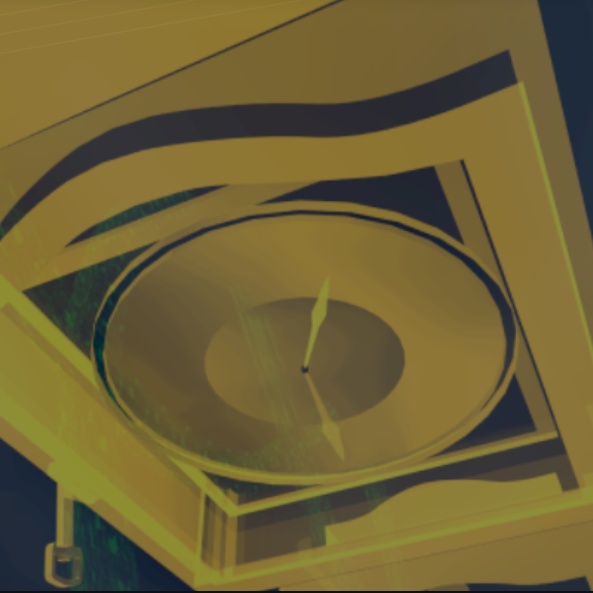
Places a shader in the sky above the chained bus in the lobby. Different shaders appear depending on round type, and change color depending on the Terrors in round.
Dependencies:
VRC SDK 3.9.0+
VRCFury
(https://vrcfury.com/download)
Kittenji's Save Manager
(https://github.com/ChrisFeline/ToNSaveManager)
Setup Instructions:
1. Extract the .zip and install the unitypackage.
2. Go to the "_spookyspike/ToNSkybox/Prefabs" folder and drag "World ConstraintSky" onto the root of your avatar in the hierarchy.
3. Enable "Send OSC Parameters" in settings within ToN save manager.
4. Enable "Send Terror Color" and set the color format to RGB.
JP:
ロビーにある鎖で繋がれたバスの上空にシェーダーを配置します。ラウンドの種類によって異なるシェーダーが表示され、ラウンドに登場するテラーの種類に応じて色が変化します。
動作には、以下のアセットが必要です。
VRC SDK 3.9.0以上
VRCFury
(https://vrcfury.com/download)
Kittenji's Save Manager
(https://github.com/ChrisFeline/ToNSaveManager)
セットアップ手順:
1. zipファイルを解凍し、unitypackageをunityにインポートします。
2. "_spookyspike/ToNSkybox/Prefabs" フォルダに移動し、「World ConstraintSky」をアバターにドラッグします。
3. ToN Save Managerの設定内で「Send OSC Parameters」を有効にします。
4. 「テラーカラーを送信」を有効にし、カラーフォーマットをRGBに設定してください。
모든 리뷰
더보기리뷰 등록
리뷰를 작성하려면 로그인이 필요합니다.
로그인하고 리뷰 쓰기