'%3e%3cg%20clip-path='url(%23roundHexB)'%3e%3cpath%20fill='%236D5DFC'%20d='M256%2040%20443%20148%20443%20364%20256%20472%2069%20364%2069%20148Z'/%3e%3cpath%20fill='%239C93FB'%20d='M69%20148%20256%2040%20443%20148%20256%20256Z'/%3e%3cpath%20fill='%234A3FD1'%20d='M256%20256%20443%20148%20443%20364%20256%20472Z'/%3e%3c/g%3e%3c!--%20top%20face:%20filled%20round%20magnifier%20--%3e%3cg%20transform='matrix(0.8660254,-0.5,0.8660254,0.5,69,148)'%3e%3cg%20transform='matrix(0.935,0,0,0.935,7.02,7.02)'%3e%3ccircle%20cx='88'%20cy='88'%20r='52'%20fill='%23FFFFFF'/%3e%3ccircle%20cx='88'%20cy='88'%20r='28'%20fill='%239C93FB'/%3e%3cpath%20d='M124%20124%20164%20164'%20stroke='%23FFFFFF'%20stroke-width='26'%20stroke-linecap='round'/%3e%3c/g%3e%3c/g%3e%3cg%20transform='matrix(0.8660254,0.5,0,1,69,148)'%3e%3cpath%20d='M96.1,61.08%20L45.9,128.92%20Q34,145%2054,145%20L162,145%20Q182,145%20170.1,128.92%20L119.9,61.08%20Q108,45%2096.1,61.08%20Z'%20fill='%23FFFFFF'/%3e%3c/g%3e%3c!--%20right%20face:%20filled%20bubble%20--%3e%3cg%20transform='matrix(0.8660254,-0.5,0,1,256,256)'%3e%3cg%20transform='matrix(0.855,0,0,0.855,15.66,15.66)'%3e%3cpath%20d='M60%2042H156a28%2028%200%200%201%2028%2028V158Q184%20168%20174.47%20164.96L124.53%20149.04Q115%20146%20105%20146H60a28%2028%200%200%201-28-28V70a28%2028%200%200%201%2028-28Z'%20fill='%23FFFFFF'/%3e%3c/g%3e%3c/g%3e%3c/g%3e%3c/svg%3e)
 chidori_stationery
상품 설명
💡 概要 / Overview
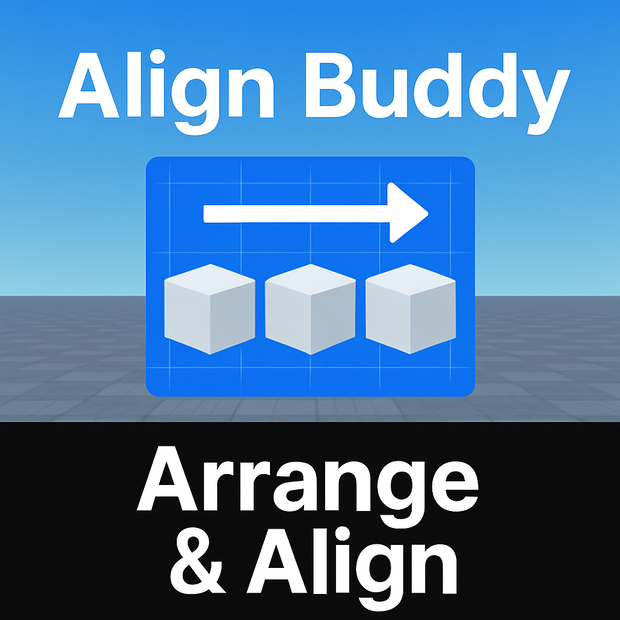
AlignBuddy Plugin は、Roblox Studioで複数のパーツやモデルを
等間隔に整列(Align)・配置(Spacing / Step) できるプラグインです。
直感的なUIで、X / Y / Z軸方向の並び替え、段差の追加、
間隔の指定をワンクリックで実現します。
建築・家具配置・マップ作成の効率を大幅にアップ!
The AlignBuddy Plugin helps you easily align and space out parts or models in Roblox Studio.
Choose an axis, set spacing and count, and instantly organize your workspace.
Perfect for builders and creators who value precision.
✨ 主な機能 / Features
📏 複数パーツの等間隔整列(X / Y / Z 軸対応)
🪜 段差(ステップ)・間隔(Spacing)設定
⚙️ 個数指定・自動配置
🎨 シンプルで使いやすいUI
📘 英語+日本語の取扱説明書(PDF)付き
🧭 使い方 / How to Use
Roblox Studioの [Plugins] タブから AlignBuddy を開く
2つ以上のパーツまたはモデルを選択
整列方向(X / Y / Z)を指定
「Build」をクリックすると自動整列します
📦 同梱内容 / Included Files
AlignBuddy.plugin.rbxm … プラグイン本体
UserGuide_2Page.pdf … 英語+日本語の取扱説明書
⚠️ 注意事項 / Notes
Roblox Studioの「Plugins」タブで使用できます。
無断配布・再販売は禁止です(ゲーム制作や商用利用はOK)。
Script変更は非推奨(想定動作が保証されません)。
모든 리뷰
더보기리뷰 등록
리뷰를 작성하려면 로그인이 필요합니다.
로그인하고 리뷰 쓰기